

Apple rolled out iOS 27 this week, with major updates centered around Siri AI and new Apple Intelligence capabilities. Beyond these AI-driven changes, the update also brings several standout non-AI improvements.
In the Music application, Apple refreshed AutoMix with enhanced transitions. While I appreciated the original AutoMix release in iOS 26, the upgraded transitions in iOS 27 deliver a far superior and more immersive experience.
The Photos app has seen a significant enhancement with iCloud Shared Albums offering full-resolution sharing, simplifying photo and video distribution to contacts without sacrificing visual quality.
A standout addition is the ability to customize alarm volumes independently within the Clock app, accessible via Settings under “Sounds & Haptics,” allowing alarms and timers to play at different loudness levels than your personal ringtones.
This release introduces an entirely new oversized widget dimension for the Home Screen, featuring full-width widgets for popular applications including Music, Photos, Weather, and Calendar.
Users can also dismiss the Now Playing widget directly from the Lock Screen in iOS 27 with a simple swipe gesture.
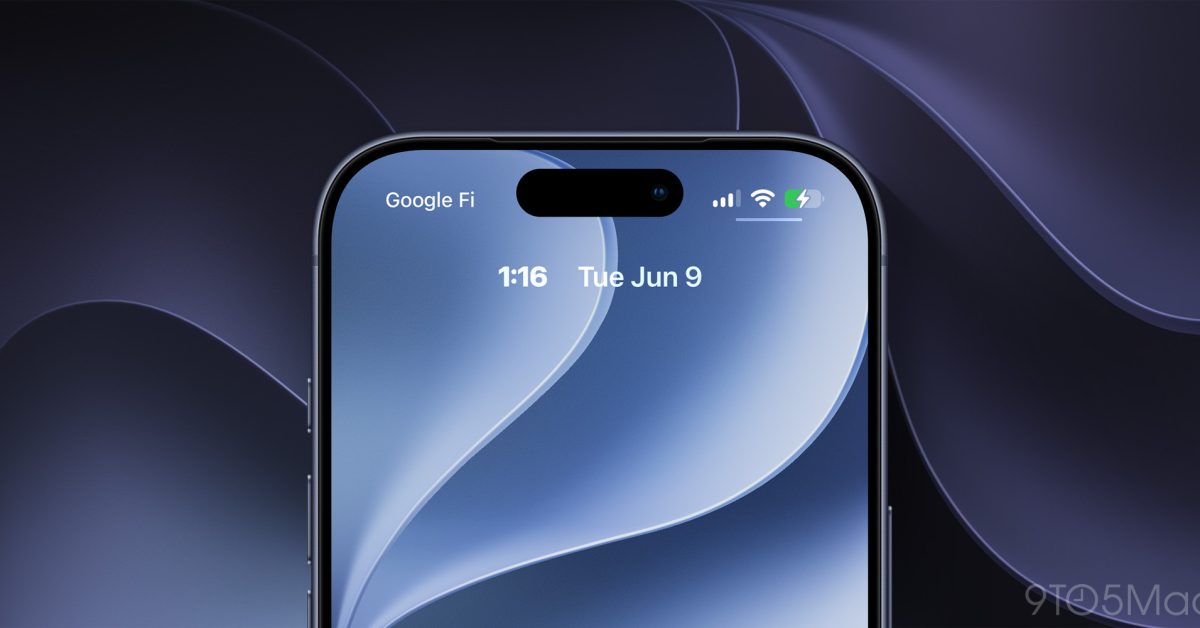
Additionally, the Lock Screen now allows moving the clock to the primary widget position, ensuring it stops obstructing your wallpaper.
A convenient new capability enables saving individual frames from videos directly as photographs within the Photos app, eliminating the need for manual screenshots to isolate standalone clips.
Apple has completely revamped the Apple Pay checkout process, streamlining the transition between different payment methods.
Enhanced landscape mode has been extended across additional applications—useful for anyone who leaves their iPhone docked at a workstation daily—to encompass titles such as Music, Reminders, and Weather.
The Find My application receives a fresh redesign in this iteration, alongside expanded sharing flexibility; notably, the updated interface displays precise location details without requiring taps per individual contact.
Upon copying content to the system clipboard, iOS 27 presents a native paste button positioned above whichever text field follows, accelerating cross-app data transfer of documents, links, and media.
CarPlay has introduced an audio scrubbing feature, enabling users to jump directly to preferred sections of songs or podcasts displayed on the vehicle’s screen.