

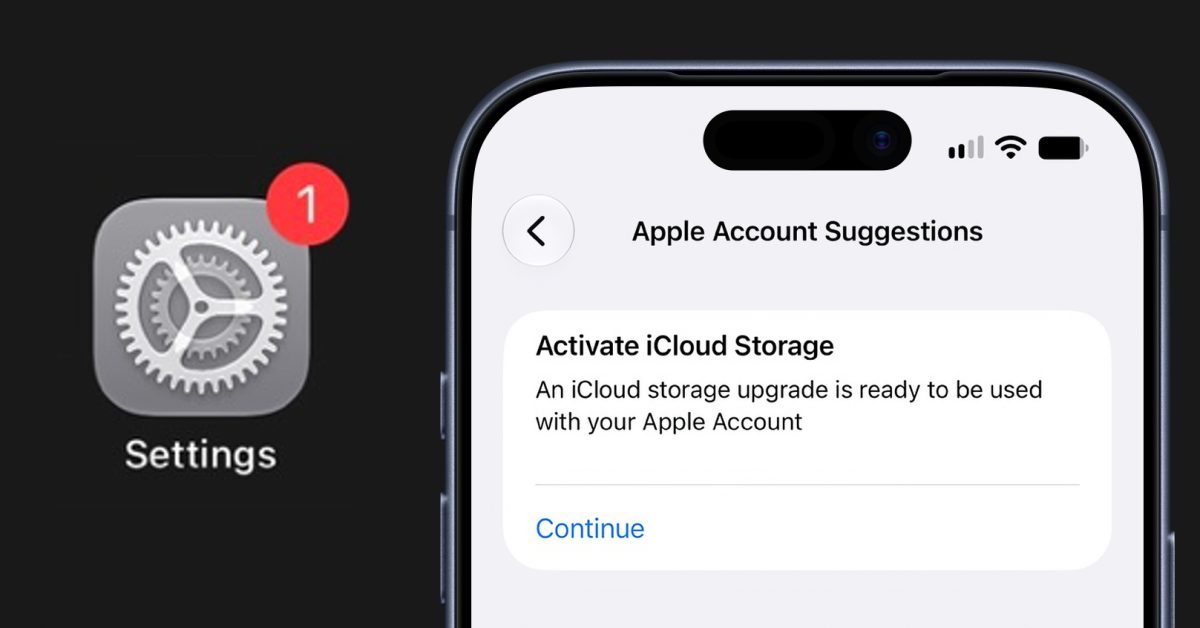
A minor but irritating iPhone notification bug is affecting some users on iOS 27. Those impacted see a red badge on the Settings app that urges them to “Activate iCloud Storage.” Tapping the alert merely opens the iCloud storage purchase screen, and the badge refuses to disappear after dismissal. The spurious notification shows up even when the user already has plenty of iCloud space — for example, on a 2 TB family Apple One plan.
While Apple occasionally uses the Settings app to promote offers such as Apple TV trials or to remind users about AppleCare warranties, this particular alert appears to be an unintentional error rather than a deliberate upsell tactic.
The issue occurs on devices running the release version of iOS 27 and iOS 27.2, and there is currently no straightforward way to remove the badge. Some users have reported that signing out of their Apple Account on the device and signing back in makes the alert go away. Hopefully Apple will address the problem quickly with a backend fix.