

I first talked about how much iPhone video stabilization impressed me when I tested it on the iPhone 13 Pro back in 2021. It’s been improved significantly since then, with both the iPhone 17 Pro and iPhone 18 Pro having a version Apple refers to as “ultra-stabilized video.”
While it doesn’t sound as sexy as some features, it makes a massive difference to the usability of the iPhone for handheld shooting – and my latest test really drove home just how good it is today …
I have a mini tripod and GorillaPod that I carry with me when I know I’m going to want to shoot some iPhone video footage, but of course, one of the huge benefits of an iPhone is that it’s the camera you always have with you. There are times when I spot an opportunity for a shot and don’t have a tripod with me.
It’s often possible to improvise, whether that’s by leaning the iPhone against a railing or bracing myself against something like a lamppost. But there are times when I rely on the built-in video stabilization on iPhones, and in the most recent example, shooting with the iPhone 18 Pro, I was incredibly impressed.
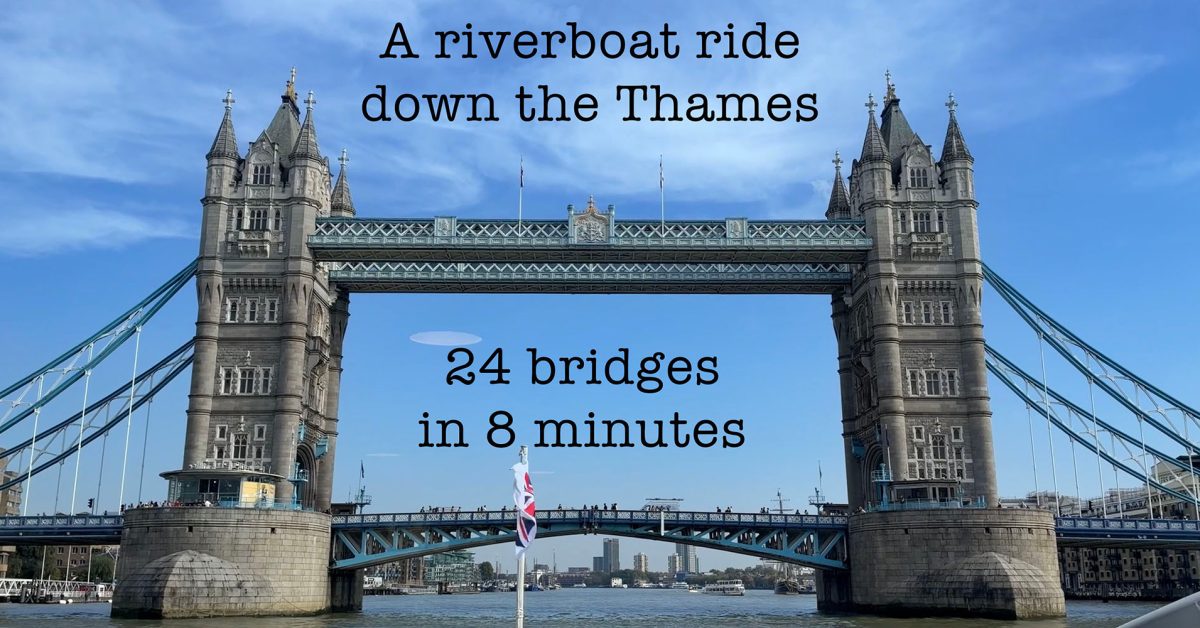
A riverboat trip down the Thames demonstrated that there are times when the iPhone’s built-in video stabilization feature is actually better than a tripod. That’s because the boat rocks around a fair bit, which would have meant a stable shot of the boat with the scenery outside moving around. The iPhone reliably stabilized to the outside world with the boat moving around in the foreground.
That ability to keep the horizon true no matter what movements the platform makes is something we don’t even get with a typical gimbal. Most consumer-grade ones smooth out movement rather than eliminating it. It’s only with high-end professional gimbals and the type of giro mount designed for marine and helicopter use that we get truly locked horizons.
The iPhone 18 Pro’s ultra-stabilization feature honestly delivers this level of performance, and that’s a pretty incredible feature to have as standard in the stock Camera app with no external hardware required.
Check out the sample footage below. If you don’t want to take the full ride, the Tower Bridge section starting here is probably the best showcase for the feature. But if you do want to enjoy the London tourist experience, hit C to switch on the captions for all the bridge names and a few other comments, including pointing out Apple’s UK campus.